10 Tips for Choosing the Right Carbon Dioxide Laser Printers
Choosing the right Carbon Dioxide Laser Printers is crucial for businesses aiming to enhance productivity. These printers are widely used in various industries, from signage to textiles. However, making the right choice can be overwhelming due to the multitude of options available. According to a report by MarketsandMarkets, the CO2 laser market is projected to reach $4.9 billion by 2024, highlighting the growing demand for efficient and reliable printing solutions.
Expert in the field, Dr. Laura Chen, emphasizes, “The choice of a CO2 laser printer can significantly impact production quality.” This is especially true in industries that demand precision. Many users often overlook the importance of specs like speed, power, and maintenance costs. Analyzing these factors can lead to costly mistakes in the long run.
While it may be tempting to opt for the most affordable model, cheaper options often compromise quality. Industry feedback shows that business owners sometimes regret their choices when productivity drops. Selecting the right Carbon Dioxide Laser Printer requires careful consideration and a balance of quality versus cost.
Understanding the Basics of Carbon Dioxide Laser Printers
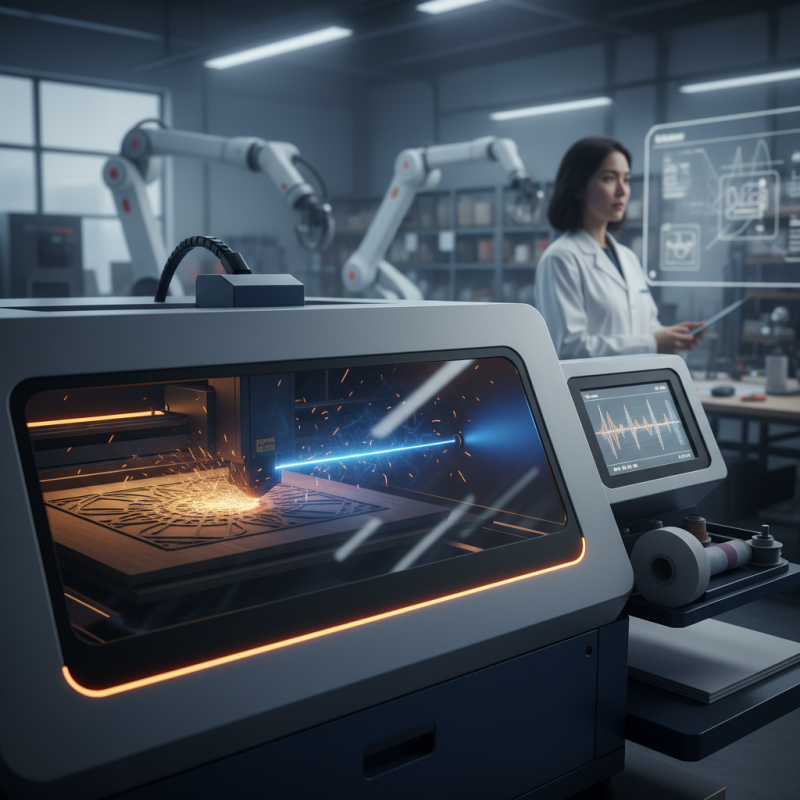
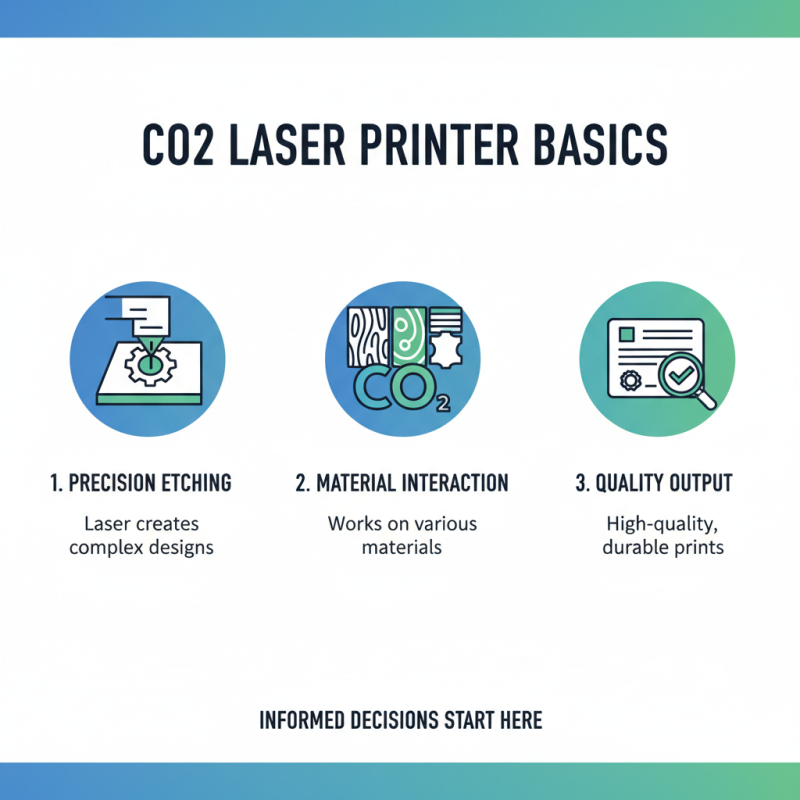
When diving into the world of carbon dioxide laser printers, it’s crucial to grasp the basics. A CO2 laser printer can produce intricate designs and high-quality prints. These machines use a laser to etch designs onto materials. Understanding how they function will help you make an informed decision.
Tip: Consider the materials you plan to use. CO2 lasers work well on wood, acrylic, and leather. If you want to print on metal, a different machine might be necessary. Evaluate your projects carefully. It's easy to overlook this detail, but it’s vital.
Tip: Look for a printer with adjustable settings. Different projects require various power levels and speeds. This flexibility allows for experimentation. Sometimes settings that seem optimal can lead to unsatisfactory results. Be prepared to tweak and refine.
Tip: Evaluate the printer size and workspace. Large printers take up significant space. Ensure you have enough room for both the printer and your projects. A cramped workspace can hinder creativity. Remember, a cluttered area can create a frustrating environment.
Key Features to Consider When Choosing a CO2 Laser Printer
When choosing a carbon dioxide (CO2) laser printer, several key features should guide your decision.
Laser power is crucial. A higher wattage translates to faster engraving and cutting. Reports indicate that most industrial users prefer a minimum of 30 watts. For detailed engraving, consider printers with wattage between 40 to 80 watts.
The bed size matters too. Larger working areas allow more extensive projects without the need for multiple passes. Many users report frustration when a job exceeds their printer’s capacity. Additionally, look for adjustable speed and power settings. This flexibility often yields better results, tailored to various materials.
Tips for evaluating build quality are essential. A sturdy frame reduces vibrations, ensuring precision. Many lower-priced models compromise in this area. Furthermore, software compatibility is often overlooked. Ensure the printer supports common design programs. Reported user satisfaction rates drop significantly when compatibility issues arise. Reflect on these features when making your choice. Choose wisely to avoid issues down the line.
Evaluating Print Quality and Speed of CO2 Laser Printers
When evaluating the print quality of CO2 laser printers, several factors come into play. Resolution is key. A higher DPI generally means finer details in printed images. Look for printers that offer at least 600 DPI. This level can capture intricate designs sharply. However, some printers may boast high DPI but fail in consistent output. It’s crucial to check user reviews to gauge real-world performance.
Speed is another critical aspect. Laser printers typically offer fast printing capabilities. However, “fast” can be subjective. Some models take longer to warm up before printing. This lag is often overlooked in specs. Additionally, consider the print volume each model can handle. A printer may print quickly, but if it can’t keep up with your demand, the speed becomes irrelevant. Always analyze the specs in relation to your actual needs.
10 Tips for Choosing the Right Carbon Dioxide Laser Printers - Evaluating Print Quality and Speed of CO2 Laser Printers
| Model |
Print Quality (DPI) |
Speed (inches/min) |
Max Material Thickness (mm) |
Cooling Type |
| Model A |
1200 |
30 |
10 |
Air Cooling |
| Model B |
1500 |
25 |
8 |
Water Cooling |
| Model C |
600 |
40 |
5 |
Air Cooling |
| Model D |
1000 |
20 |
12 |
Water Cooling |
| Model E |
800 |
35 |
9 |
Air Cooling |
Assessing Size, Weight, and Portability of Laser Printers
When choosing a carbon dioxide laser printer, size and weight play a crucial role. A compact model may be ideal for small workshops or home offices. However, portability can sometimes compromise features. It’s vital to find a balance that suits your space.
Consider the printer’s dimensions. A larger printer might provide more functionality but can be cumbersome to move. If you plan to use it in different locations, prioritize weight. Lighter models are easier to transport, but check if they lack essential features. Always assess your specific printing needs against these factors.
Portability doesn’t just mean weight; it includes ease of setup and disassembly. Some printers are easier to transport and set up than others. Think about the materials you'll be using and how often you'll need to relocate your printer. Remember, an ideal choice might not exist. Reflect on your actual usage scenarios and prioritize accordingly.
Comparing Costs: Initial Investment vs. Long-term Maintenance
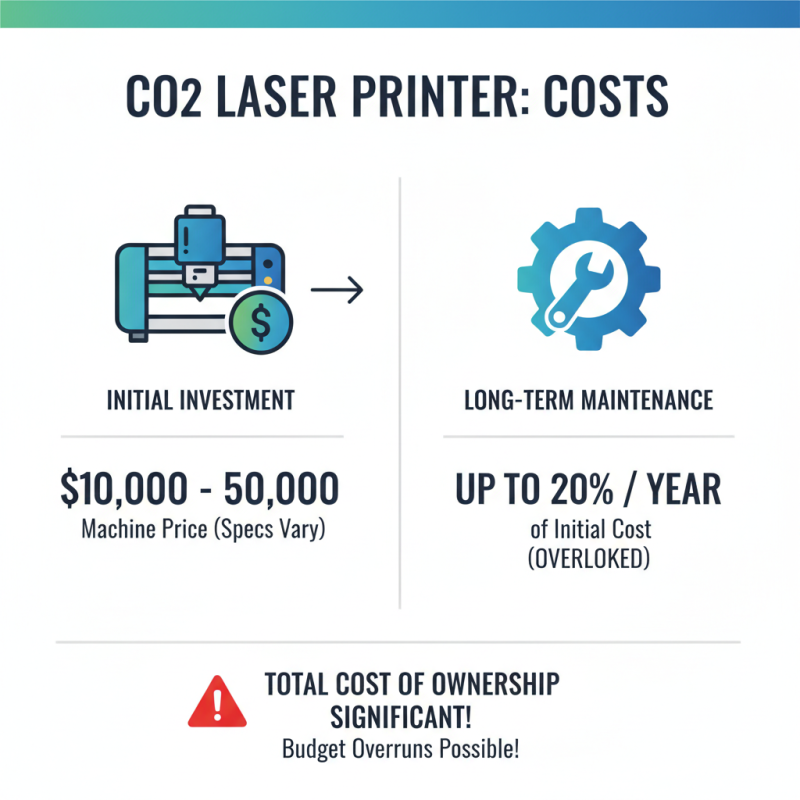
When considering carbon dioxide laser printers, understanding the costs is crucial. The initial investment can be high, often ranging from $10,000 to $50,000, depending on the machine's specifications. However, long-term maintenance can significantly impact the total cost of ownership. Reports indicate that maintenance expenses can account for up to 20% of the initial cost each year. This is often overlooked but can lead to budget overruns.
A key factor in choosing the right printer is evaluating the frequency of use. If your business requires heavy usage, selecting a machine that boasts lower maintenance costs will pay off over time. On the other hand, if the machine will see light usage, a cheaper model may suffice. Remember, some machines require more frequent part replacements, inflating long-term costs unexpectedly.
Tip: Always assess the warranty and service agreements available with the printer. Some offer extensive coverage, reducing repair costs in the long run. Tip: Research user reviews to gauge real-life maintenance experiences. This can highlight potential pitfalls you might not initially consider. These insights are invaluable and often reveal the nuances that can aid your final decision.

 Send Email
 18929582815