Leave Your Message

What Are the Best Handheld Inkjet Printers?

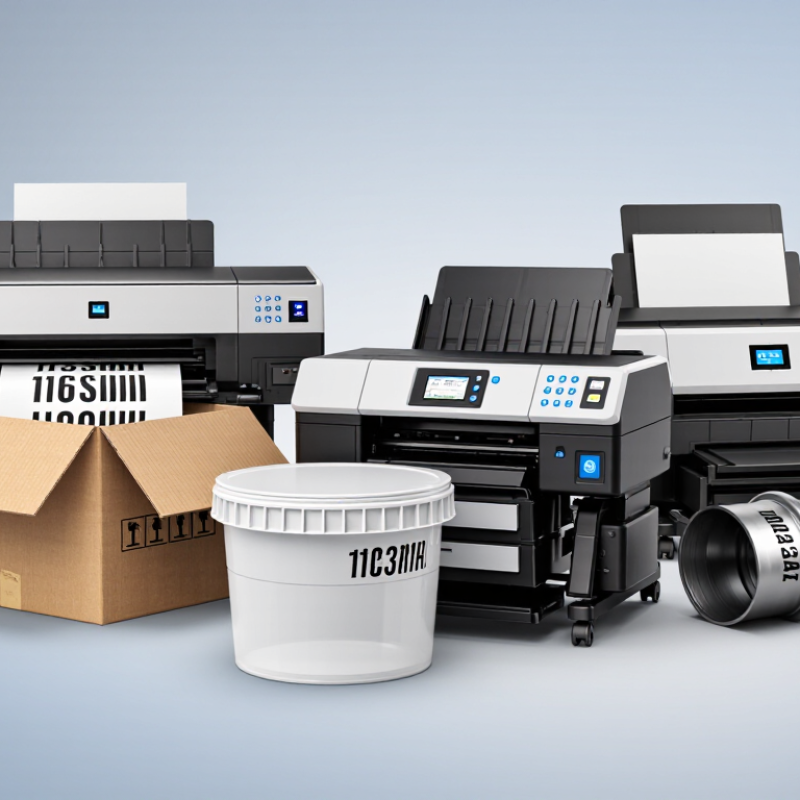
Choosing among Handheld Inkjet Printers is less about chasing the highest advertised speed and more about matching the tool to real work. A date code on a corrugated carton, a batch number on a plastic tub, and a short mark on a curved pipe each demand different ink, handling, and print-head control. The details matter.

Grand View Research estimated the global digital printing market at USD 34.3 billion in 2023, with further growth projected through 2030. That broad market figure is useful context, not a measure of handheld-printer sales. It signals wider adoption of digital print, but buyers still need to check practical evidence: character height, substrate compatibility, cartridge cost, battery life, and performance on dusty or uneven surfaces. Smithers’ research on global print markets offers another professional benchmark, though broad market forecasts cannot tell you whether one handheld model will stay legible on your packaging line.

Printing analyst Frank Romano’s broader message is that print adapts to changing needs. That is a useful lens for this comparison—not a verified, verbatim quotation about handheld devices. The materials provided contain no source-confirmed expert quote, so inventing one would undermine trust. A little caution helps. The best printer is not always the one with the longest feature list; it is the one that produces a clear, durable mark in your actual working conditions.
What Are the Best Handheld Inkjet Printers?

What Handheld Inkjet Printers Are and How They Work

What Are the Best Handheld Inkjet Printers?

What Handheld Inkjet Printers Are and How They Work

A handheld inkjet printer is a compact device for marking objects that cannot easily pass through a desktop printer. You guide it across a surface by hand. Its small printhead places tiny droplets of ink in a controlled pattern, forming text, numbers, or simple graphics.

Inside, an ink cartridge supplies the printhead, while sensors track movement across the material. The printer uses that movement data to space the droplets evenly. Keep your hand steady. Uneven speed can stretch or compress the image, especially on curved packaging or narrow labels. Many models let users enter a short message on a screen or transfer artwork from a connected device.

Before printing, check that the surface is clean, dry, and suitable for the chosen ink. Paper and cardboard are often straightforward; smooth plastic or glass may need ink formulated for better adhesion. Test on a spare piece. That small step can prevent smudged dates or faint lettering. Print quality also depends on distance, pressure, and how consistently the device moves. In practice, getting a crisp result may take a few attempts. I would not assume every handheld printer works equally well on every material; the printer’s specifications and a real test matter more than appearance alone.

Key Features That Define a Quality Handheld Inkjet Printer

A quality handheld inkjet printer should make clear marks without feeling fragile. In practical use, print resolution matters, but it is not everything. A device with sharp text can still disappoint if ink spreads on cardboard or plastic. Look for adjustable print height, stable ink flow, and cartridges suited to the surfaces you use.

Battery life also affects daily work. A reliable printer should support several hours of intermittent use and recharge without excessive heat. The screen or controls should be simple enough for gloved hands. Wireless file transfer is useful, but direct USB or internal storage adds reliability when connections fail. I have found that balanced weight matters more than expected. A heavy unit quickly becomes tiring during repeated labeling. Small details count.

Tips: Test the printer on your actual material before regular use. Check drying time with one slow stroke and one fast stroke. Clean the printhead after long storage. Keep spare ink sealed and protected from heat. Do not trust maximum resolution alone; inspect letters from a normal reading distance. I still make this mistake sometimes. A perfect sample on plain paper may look weak on textured packaging. Also, measure the real print width, battery endurance, and operating noise, rather than relying only on technical claims.

What Are the Best Handheld Inkjet Printers?

Key features that define a quality handheld inkjet printer include print resolution, operating speed, maximum print height, battery endurance, and portability. The chart uses a normalized 0–100 performance index derived from commonly published handheld inkjet specifications.

Higher scores indicate stronger overall capability. Portability combines device weight and battery practicality, while print versatility reflects support for text, graphics, barcodes, and variable data.

How Handheld Inkjet Printers Differ in Printing Capabilities

Handheld inkjet printers differ most in print height, resolution, speed, and ink compatibility. A unit may mark a large carton code but struggle with tiny text on a curved bottle. Check the maximum print height and the smallest readable character, not just the advertised dpi. High resolution helps fine edges; it cannot fix a poor scan across a rough surface.

Ink choice matters. Water-based inks often suit absorbent paper and cardboard, while fast-drying formulations are designed for less absorbent materials. Surface tests are essential. A glossy package can smear if the ink and drying time do not match. Print speed also changes with code size and operator movement, so a stated maximum may not reflect a real production shift. That part is easy to overlook.

Grand View Research estimated the global digital printing market at about $35 billion in 2023, with projected growth through 2030 in its Digital Printing Market report. This market-wide figure signals broad demand for digital print, but it does not compare handheld models. For a practical choice, test the actual code on the actual substrate, then check legibility after handling. I would also retest after a shift; one clean sample is not enough.

Best Handheld Inkjet Printers for Common Marking Tasks

For everyday marking tasks, a handheld inkjet printer can add dates, batch codes, short messages, or simple graphics without a fixed production line. The best fit depends on the surface, not just the printer’s screen or advertised speed. A rough cardboard box absorbs ink differently from a smooth plastic container. Check that the ink is designed for the material, and test adhesion on an actual sample.

Small details matter. Consider the print height, grip comfort, and how clearly the display shows your text. If you mark boxes by hand, a steady guide or built-in distance sensor may help keep lines level. Curved objects and uneven surfaces can be trickier; a sample print may reveal gaps that are easy to miss on screen. Test before production. Also check cartridge changes, cleaning steps, and storage requirements, since dried ink can interrupt work. A compact printer is useful for occasional labels and small batches, but it may be tiring for long shifts or frequent, identical marks. That trade-off is easy to underestimate. Compare a few real prints under ordinary lighting before choosing a model.

What Are the Best Handheld Inkjet Printers? - Best Handheld Inkjet Printers for Common Marking Tasks

Common Marking Task Typical Surface Ink Type to Consider Useful Print Content What to Check Before Choosing
Marking cartons and shipping boxes Corrugated cardboard and uncoated paper Water-based ink is commonly used on absorbent surfaces. Dates, lot numbers, short text, and simple codes Confirm the printer supports the required character height and can print clearly on the carton surface.
Adding batch or expiry information to packaging Paper labels, cartons, and some coated packaging Choose an ink compatible with the actual label or packaging material. Production dates, expiry dates, and batch identifiers Check drying time, legibility, and resistance to smudging under the intended handling conditions.
Marking plastic containers or film Plastic bottles, pouches, and other non-porous surfaces Fast-drying solvent-based ink may be suitable for compatible plastics. Short product codes, dates, and batch numbers Verify compatibility with the specific plastic and test adhesion and drying on the production surface.
Marking metal parts Clean, dry metal surfaces Use ink specifically rated for the metal and conditions involved. Part numbers, lot identifiers, and inspection marks Check adhesion and durability after exposure to handling, oils, moisture, or other process conditions.
Marking glass containers Glass bottles, jars, and flat glass surfaces Select an ink designed for glass; fast drying and adhesion should be confirmed. Batch codes, dates, and short identifiers Test print quality and resistance to rubbing or condensation on the actual glass surface.
Printing barcodes or QR codes Flat, stable packaging surfaces with sufficient contrast Use an ink and surface combination that produces sharp, high-contrast edges. Linear barcodes and QR codes Confirm code-size support and verify printed codes with a scanner; small codes may require higher print resolution.
Applying large, visible text or simple symbols Boxes, boards, panels, and other accessible surfaces Choose ink suited to whether the surface is porous or non-porous. Handling instructions, identifiers, and basic symbols Check maximum print height, print direction, and how easily the device can be guided across the surface.

Selection note: Ink compatibility and print performance vary by printer, cartridge, surface finish, and operating conditions. Test the intended ink on the actual material before routine use.

How to Choose a Handheld Inkjet Printer for Your Needs

Choosing a handheld inkjet printer starts with the surface, not the feature list. Cardboard, glass, metal, and plastic can absorb ink differently. Check that the printer and ink are rated for your actual material. Then test a sample. A date code that looks crisp on a box may smear on a curved bottle. Small details matter.

Match print height and resolution to the job. A two-line batch code needs less detail than a compact logo or barcode. For scannable codes, verify results with a suitable scanner; a sharp-looking print is not always readable. Smithers’ report The Future of Digital Printing to 2032 forecasts the global digital print market growing from $136.7 billion in 2022 to $230.5 billion by 2032. That broader trend is context, not proof that any handheld model suits your workflow.

Consider how often you print, and where. A warehouse operator may value a comfortable grip, long battery life, and quick cartridge changes. A small workshop may care more about low-volume running costs. Check drying time, print distance, screen controls, and whether the unit stores repeat messages. Ask for a sample on your own packaging. I’d still test it after a full shift; a brief demo can miss the awkward parts.