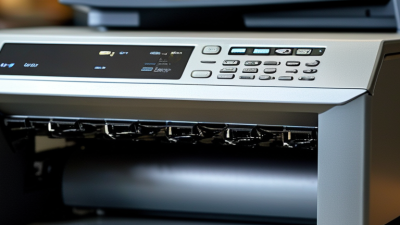
Choosing an inkjet printer online can feel simple until every model promises sharp photos, fast pages, and low running costs. The useful question is not which printer looks best, but which one fits your actual work. For a student, that may mean crisp assignments, dependable Wi-Fi, and affordable replacement ink. For a home office, automatic duplex printing, a document feeder, and clear text may matter more. Small details matter. Check supported paper sizes, connection options, cartridge availability, and the manufacturer’s recommended monthly use. Online Inkjet Printers vary widely in purchase price, ink yield, and photo performance, so compare the full ownership cost. That cost is easy to miss.
Read the manufacturer’s specifications, then compare them with independent reviews that describe everyday use. Look for comments about setup, print speed for ordinary documents, ink use, and wireless reliability. A low-priced printer may be a good fit, but expensive cartridges can change the calculation. An ink-tank model may cost more upfront and suit frequent printing better; it is not automatically the right choice for everyone. Check whether the package includes full-size or starter cartridges, and review the retailer’s return policy before ordering. Seller listings can omit useful details, so verify important features on the manufacturer’s product page. Even careful research has limits: individual print habits, paper choice, and home networks affect results. Compare the details that match your needs, and leave room for a little uncertainty.
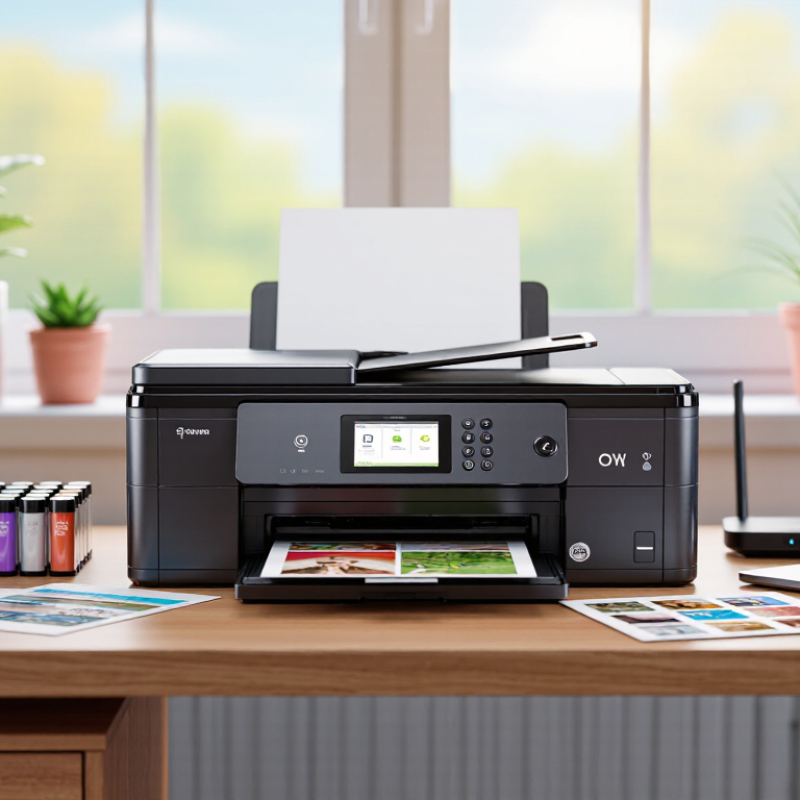
Before shopping online, estimate how many pages you print in a typical month. Count school worksheets, return labels, recipes, and work documents separately. Count a normal month, not just peak weeks. If you print mostly black text, prioritize clear text, reliable paper feeding, and affordable replacement ink. For photos, check whether the printer supports borderless printing and the paper sizes you actually use. A feature you rarely need may not justify extra cost.
Smithers’ industry report The Future of Digital Printing to 2032 projects the global digital-printing market will grow from $167.5 billion in 2022 to $251.1 billion by 2032. This is market context, not a forecast of household inkjet use. For your decision, compare the printer’s stated page yield with your monthly estimate, and check how yield is measured. ISO/IEC 24711 provides a standardized method for measuring ink-cartridge yield, but real results vary with images, settings, and coverage. A low purchase price can still mean higher running costs. Even a careful estimate can be wrong, so leave room for occasional busy months.
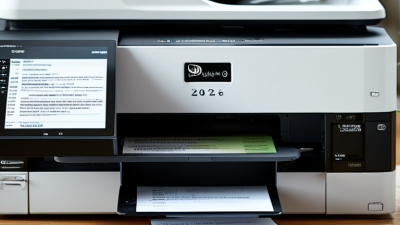
Compare inkjet designs by the work they handle, not just their advertised speed. Cartridge printers usually cost less upfront and suit occasional documents or family photos. Tank models cost more initially, but refillable reservoirs can lower ink costs for frequent printing. All-in-one models add scanning and copying; check whether their flatbed fits the pages you actually scan. Small details matter.
For photo-heavy work, compare supported paper sizes, borderless printing, and color controls. For school or office use, check automatic duplexing, paper capacity, and wireless setup. ISO/IEC 24711 defines a standardized method for measuring color ink cartridge yield, helping make published page-yield figures more comparable. Real results still vary with image coverage and cleaning cycles. For speed, look for ISO/IEC 24734 measurements rather than relying only on draft-mode claims.
Tips: Estimate your monthly pages before choosing. Check the replacement ink price and paper capacity, then compare total running costs. Print a small test image if photo quality matters. A fast printer can still feel slow when it repeatedly pauses to clean its printhead.
How to Choose the Best Inkjet Printer Online?
Assess Print Quality, Speed, and Connectivity
A product page’s “pages per minute” figure is only a starting point. ISO/IEC 24734:2021 sets a standard method for measuring office printer productivity, helping buyers compare speeds under defined test conditions. Real jobs may take longer, especially when printing color photos or high-resolution graphics. Check whether the listing gives separate black-and-white and color speeds, then print a 10-page mixed document if possible. Watch the first page emerge, too. A fast headline number can hide a slow warm-up.
For image quality, look for independent test results that describe fine detail, color accuracy, and text edges—not just the printer’s maximum dots per inch. ISO/IEC 24790:2021 outlines methods for measuring printed image quality, giving reviewers a more consistent basis for comparison. Connectivity deserves the same care. IEEE 802.11 networks can use 2.4 GHz or 5 GHz bands; walls, distance, and router settings may affect a printer’s connection. Check for the wireless options and mobile printing support you actually use. Then confirm setup works from your laptop and phone. Slightly tedious, but useful. A printer that joins the network easily is more valuable than one with features you never touch.
Compare print quality, speed, and connectivity before you buy.
Example home-use priorities on a 1–5 scale, not product test results: print quality rates highest, followed by connectivity and speed. Check sample prints for text and photos, compare ISO/IEC 24734 print-speed figures, and confirm the wireless or mobile-printing features you need.
A low purchase price can hide a costly ink habit. Estimate ownership cost with a simple formula: printer price plus expected ink spending over three years. For a fair comparison, check cartridge yields tested under ISO/IEC 24711, using the standard’s color-page method in ISO/IEC 24712. These industry standards make yield figures more comparable, though your results will vary with page coverage and print settings.
For example, a $30 cartridge rated for 300 pages costs about 10 cents per page. At 1,200 pages yearly, that is roughly $120 in ink each year, before paper or replacement cartridges. Add that to the printer’s price. A spreadsheet helps: record black and color yields separately, then estimate your monthly page mix. Small photos can use far more ink than plain text. The estimate is useful, not perfect.
Tips: Check whether the quoted yield reflects standard test pages, not your exact workload. Look at refill prices and included ink, too. A printer with a higher upfront cost may be cheaper over time, but only if you print enough to offset it. I once underestimated color use on school handouts; my neat calculation missed the surprise.
Before ordering an inkjet printer, check who is actually selling it. A polished product page is not proof of reliable service. Look for a clear business address, working customer-support contact, and recent reviews that describe delivery and problem resolution. Read several reviews, not just the highest-rated ones. Repeated complaints about damaged packaging or unanswered messages deserve attention. So do vague praise posts with little detail. Small clues matter. I sometimes find it tempting to trust a familiar-looking checkout page, but that is not enough; seller details can be easy to overlook.
Read the warranty terms before paying. Confirm what is covered, how long coverage lasts, and whether you must contact the seller or the manufacturer for service. Check whether setup, printhead issues, and included accessories are treated differently. Then review the return window, return shipping costs, and any conditions for opened packaging. Keep a copy of the listing and order confirmation. Policies can be harder to find after checkout. If a key term is unclear, ask for written clarification before buying. That extra step may feel fussy, yet it can prevent a costly misunderstanding. Some listings still leave gaps, and it is sensible to pause rather than assume the details will work in your favor.
| What to Check | How to Verify It | Promising Signs | Potential Warning Signs |
|---|---|---|---|
| Seller identity and contact details | Look for a clearly identified seller, working customer-service channels, and consistent business details on the listing and checkout page. | A named seller with a functioning contact form, email, or phone support and clear order-help information. | No seller details, broken contact links, or unclear information about who will handle the order. |
| Customer review history | Read recent reviews, including lower-rated ones. Check for specific comments about delivery, printer condition, ink supplies, and after-sales support. | A substantial mix of detailed, recent feedback that addresses the product and the buying experience. | Very few reviews, repeated generic wording, or recurring reports of missing items or unresolved support requests. |
| Listing accuracy and included items | Confirm the printer model, condition, connectivity, included starter cartridges, cables, and other accessories in the written listing. | The listing clearly distinguishes new, refurbished, and used items and states what is included. | Conflicting descriptions or unclear wording about condition, cartridges, or accessories. |
| Warranty coverage | Read the warranty terms before checkout. Check who provides coverage, how long it lasts, what parts or labor are covered, and how to make a claim. | Written terms explain the coverage period, exclusions, claim process, and responsible service provider. | Warranty claims are vague, coverage depends on an unidentified third party, or key terms are unavailable before purchase. |
| Return window and condition rules | Check the deadline for starting a return and whether the product must be unopened, unused, or in its original packaging. | The return period and eligibility conditions are stated clearly and are available before payment. | The return deadline or eligible condition is not specified, or the policy conflicts across pages. |
| Refunds, shipping, and restocking fees | Find out who pays return shipping, whether any restocking fee applies, and how and when refunds are issued. | Possible fees and refund steps are explained in advance, including what happens if the item arrives damaged or incorrect. | Fees are disclosed only after purchase or the refund method and timing are unclear. |
| Payment and order records | Use a payment method with an accessible transaction record, and save the listing, policy pages, receipt, and order confirmation. | Checkout provides a clear order summary and confirmation that can be saved for reference. | The seller requests payment outside the checkout process or provides no reliable order documentation. |
| Final comparison | Compare the total price, seller feedback, warranty, and return terms together rather than choosing on price alone. | The product details and purchase protections are clear enough to compare before placing an order. | A low listed price comes with missing product details or policies that cannot be verified. |
Policies vary by seller, product condition, and location. Confirm the current terms on the specific listing and at checkout before ordering.